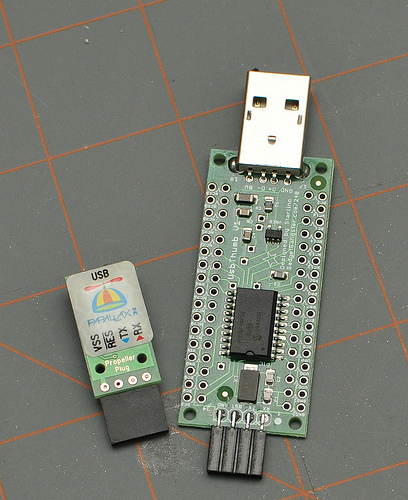
USBThumb can be programmed with different firmware, including all Microchip samples from USB Framwework (use the ones for low pin count USB demo board).
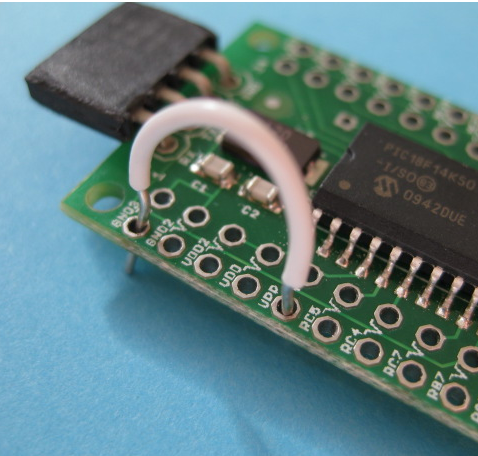
In order to upload a new firmware to USBThumb you need to enter the bootloader mode. This is done by connecting the VPP pin to ground during the time when device is plugged into the USB port.
This can achieved by placing a jumper wire or a 1K resistor (recommended) between GND and VPP pin.
GND pin is number 1, and VPP is number 5. Make sure you do not confuse VPP with the nearby VDD(pin number 4) or you will get a short !!! To be safe use a 1K or 10K resistor instead of the wire. Wire/resistor can be held by the spring action, it only needs to make contact during a split second while the device is plugged. If you plan on making frequent firmware updates , soldering a header is recommended.