Posts Tagged ‘pic’

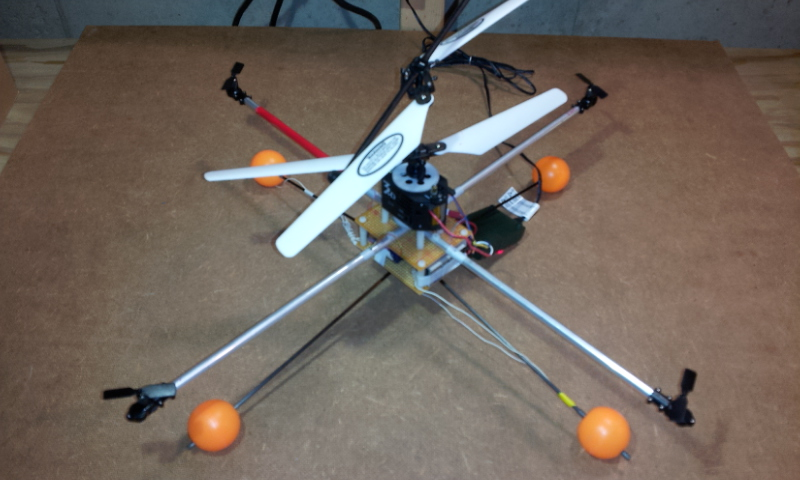
Quadcopter Prototype using Acc_Gyro and a PIC

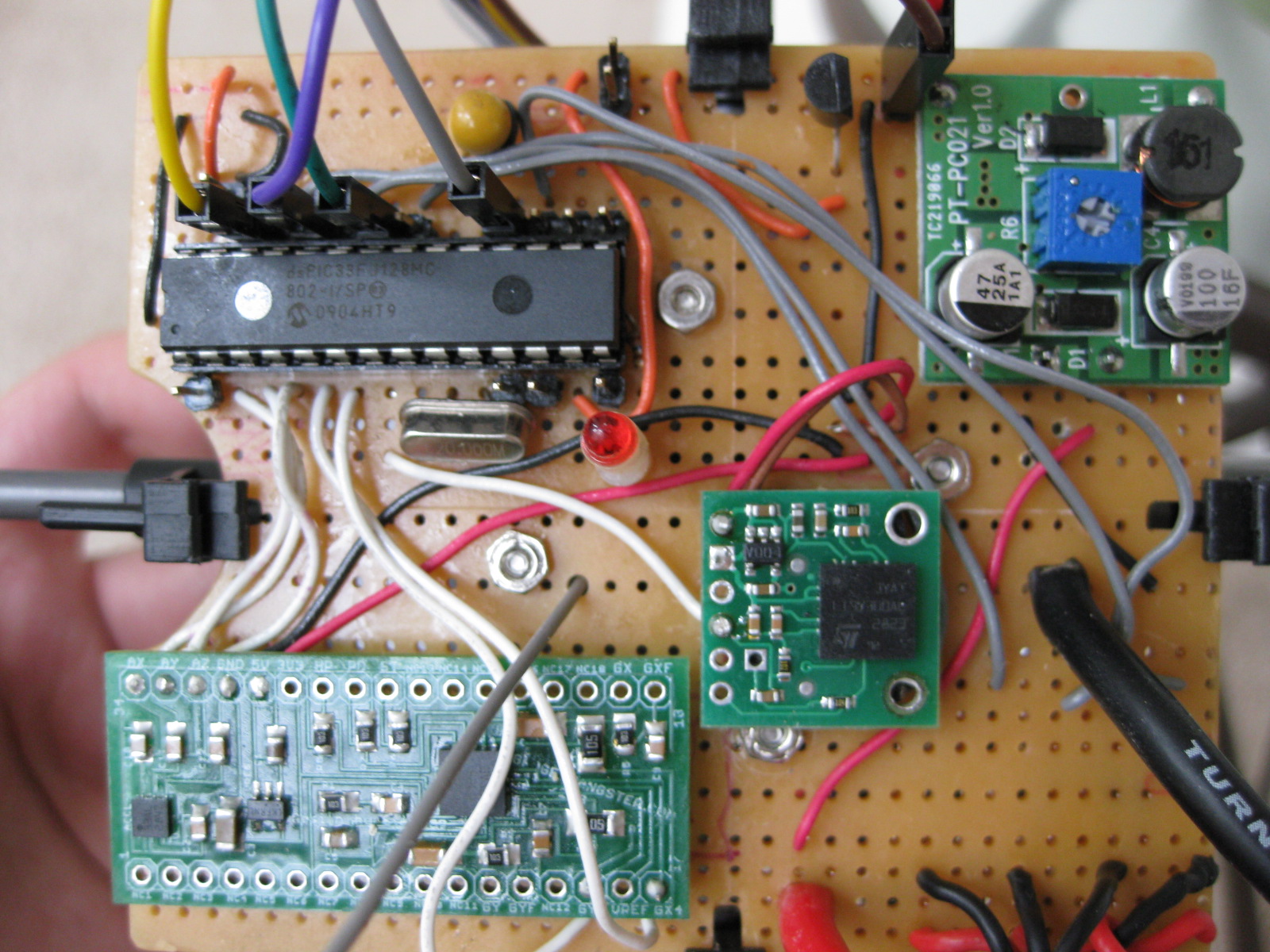
For anyone following this site, here is what I've been up to lately – building a quadcopter based on the Acc_Gyro 5DOF IMU sensor and a 16bit PIC. Although it's still a work in progress I decided to start putting together an article placeholder and build it up as project evolves. It's going to be a long one !

The source code will be Open-Source and will be hosted here:

http://code.google.com/p/picquadcontroller/source/browse/#svn/trunk

As usual I like to start with a video demo, it's basically me controlling the tilt of the quad using a RC controller:

Read More »

Trickster Mouse Emulator – April Fools Day Practical Joke

Trickster is a simple application built on UsbThumb platform. It tricks your victim into thinking they have a virus on their computer, by hardware emulating and moving their mouse in circles on intermittent intervals.

Read More »

Updating Firmware on USBThumb

USBThumb can be programmed with different firmware, including all Microchip samples from USB Framwework (use the ones for low pin count USB demo board).

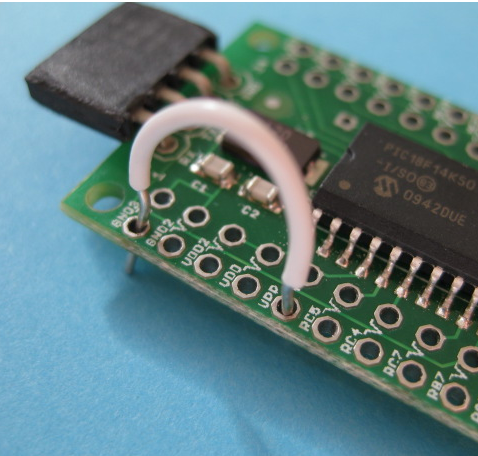
In order to upload a new firmware to USBThumb you need to enter the bootloader mode. This is done by connecting the  VPP pin to ground during the time when device is plugged into the USB port.

This can achieved by placing a jumper wire or a 1K resistor (recommended) between GND and VPP pin.

GND pin is number 1, and VPP is number 5. Make sure you do not confuse VPP with the nearby VDD(number 4) or you will get a short !!! To be safe use a 1K resistor instead of the wire. Wire/resistor can be held by the spring action, it only needs to make contact during a split second while the device is plugged. If you plan on making frequent firmware updates , soldering a header is recommended.

IMG_1408.JPG

Read More »

Using USBThumb as a Propeller Programmer and as a USB to Serial Converter

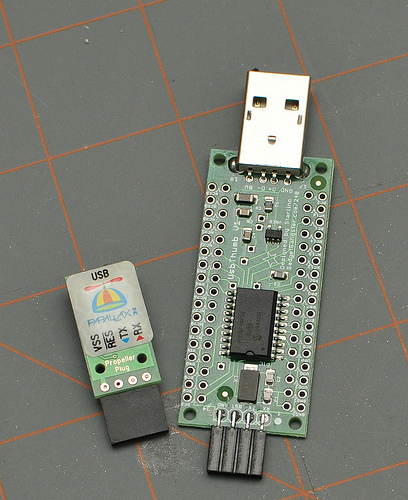
The Parallax's classic propeller programmer PropPlug  is simply a USB to Serial converter, the DTR/RTS signals are used to reset the Propeller chip before starting the programming sequence.

A custom PIC firmware  comes preloaded on the
"USBThumb Propeller Programmer" available on GadgetGangster.com, it allows you to use USBThumb as a Propeller Programmer but also as USB to Serial converter.

USBThumb (loaded with USBThumbSerial firmware)  is detected on your computer as a standard  CDC Modem device and works on all modern operating systems (Windows, Mac os , Linux).

On Windows you might be asked for driver path once you attach the device, simply use the driver part of the Microchip's USB Framework (it can be found in C:\Microchip Solutions\USB Device – CDC – Serial Emulator\inf\win2k_winxp ) , and I am including a copy for direct download here:

microchip_cdc_win2k_winxp.zip

On Windows you can identify USBThumb's COM port number from Device Manager:

3-15-2010 10-24-15 PM.png

Read More »

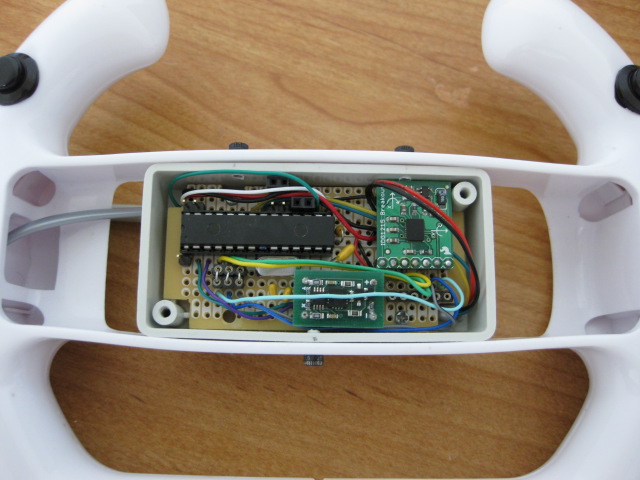
New and Updated Motion USB Gamepad: wide accelerometer and gyroscope support, configuration utility software

I have received some feedback from my readers regarding my first usb gamepad project , so for the past few weeks I was working on a new imrpoved design. There are plenty of new improvements that I hope will address many of your requests.

Read More »

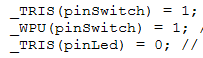
Use macro definitions to simplify work with I/O ports in C (MICROCHIP PIC/ATMEL AVR)

I started working with MCUs using Basic Stamps 2. My first programs where written in PBASIC. I enjoyed the simplicity of this language but soon moved on to C. One particular thing that I was missing in the C enviroment was the ability to define a pin at the begining of the program and then perform various operations on it. (Make it an input or output, toggle the pin, read its level, output a high or low signal). PIC Microcontrollers make use of several registers to perform these operations, and if you change your pin you need to update all your lines of code that perform these operation.

To illustrate let's take a simple example. Let's say you have a button and a led, you'd like to create a simple application that will turn on the led when a momentary switch is pressed. The hardware setup will be very simple: the led is connected to an output pin of MCU (with a resitor in series to avoid burning the led); the switch is connected to another pin with an optional external pull-up resistor (some PIC and AVR can use an internal pull-up). Please note when the switch is pressed it will output 0 (LOW) and when it is not pressed it will output 1 (HIGH) due to the pull-up resistor.

Read More »